ASUS ZenFone 5 / 6 Review (4) Zen UI
We have talked a lot about the ZenFone already, however, there is still one important point to discuss – the new generation ZenUI interface. ZenUI can be regarded as an enhanced version of the Android system, similar to HTC’s Sense and Xiaomi’s MIUI. These software suites provide an enhanced interface and tools based on user experiences. The ZenFone is the first line of phones to incorporate the new ZenUI interface, and it is anticipated that in the future new ASUS phones will also incorporate ZenUI.
Let A-hui show you some of the particularly appealing and convenient aspects of the ZenUI.
Simple and Elegant Design
ZenUI users a fashionable flat user interface design. Using a currently popular expression, the ZenUI provides a「fresh interface.」Speaking a little more technically, the ZenUI can be described as the native Android UI following optimization. It uses the same operating logic, but is also more friendly and visually attractive.
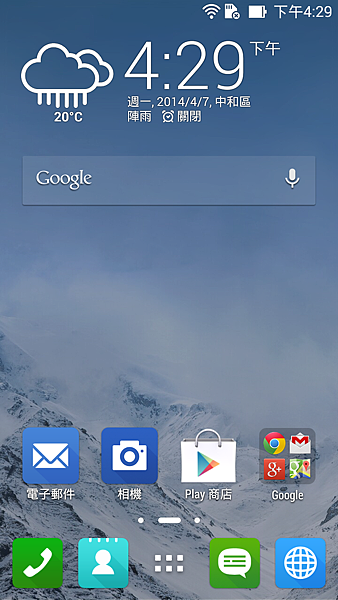
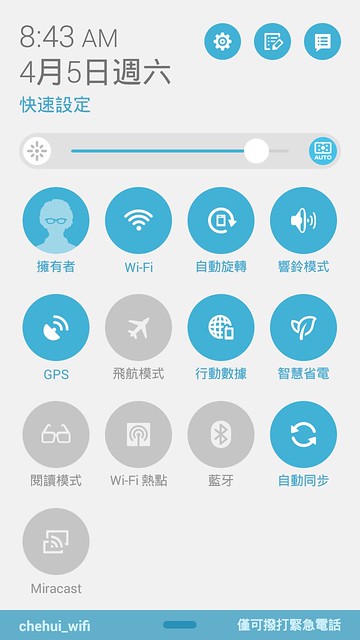
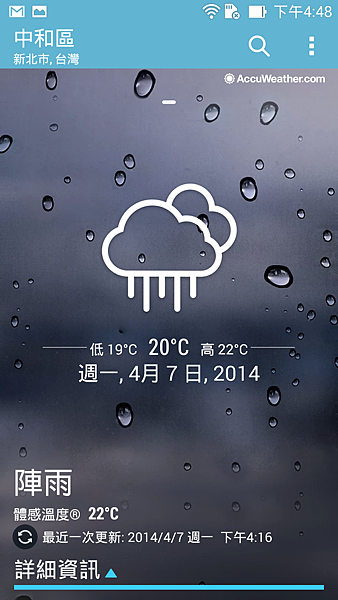
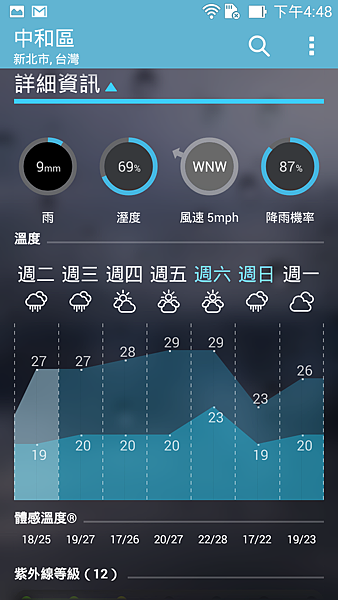
The built-in weather APP has an excellent feel.
What’s Next
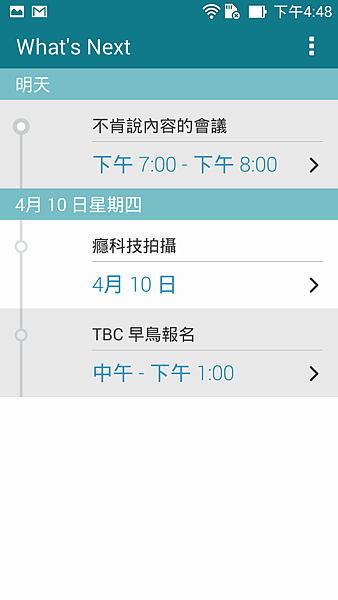
The main function of What’s Next is to deliver「notifications of what’s next to do.」Users simply have to use a Google or Exchange account, and the system will automatically extract the information from the calendar and display a notification not just on the home screen, but also on the lock screen, allowing users to keep abreast of their schedule.
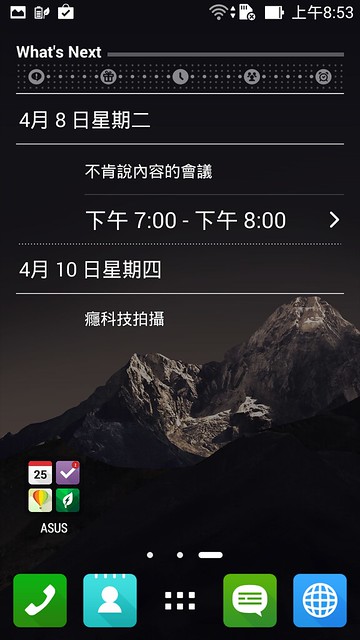
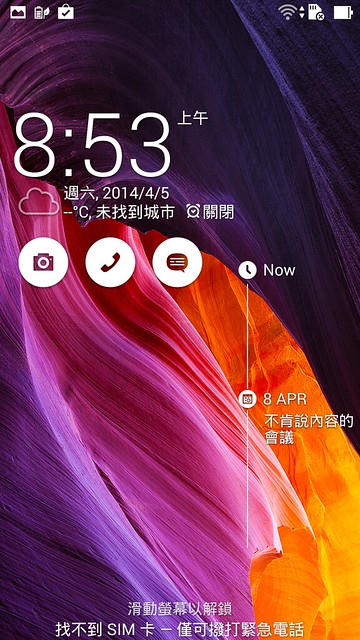
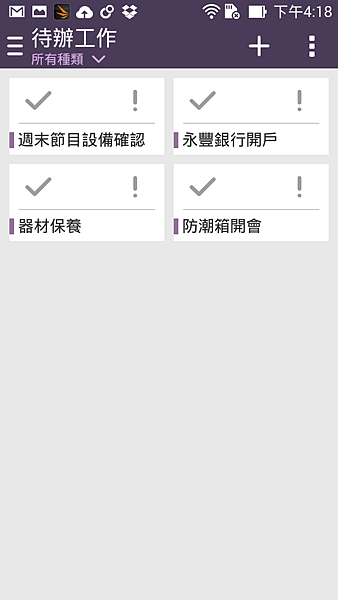
What’s Next also provides a to-do list, and can be synchronized with Google. The simple and easy to use interface is also a key feature of the ZenUI. Events such as missed calls and message replies can be selected to easily move them to the to-do list, facilitating a convenient centralized view and management.
Reading Mode
The reading mode from the PadFone has also been adopted for the ZenFone. When using the reading mode, the screen turns to a yellow hue, making reading webpages or e-books a more comfortable experience.

Easy to Use Chinese Input
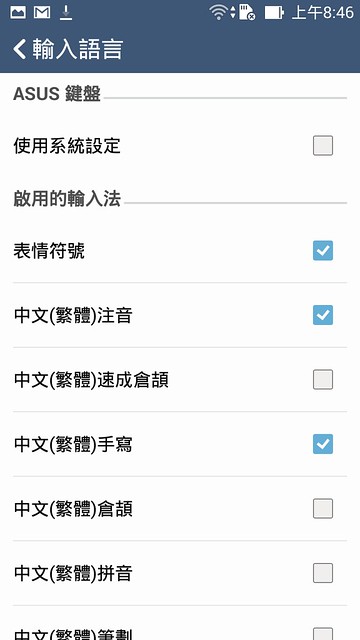
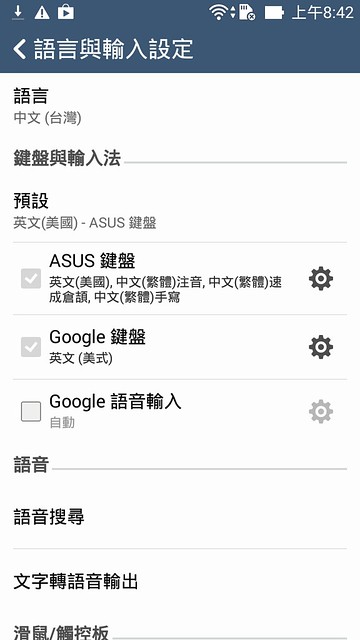
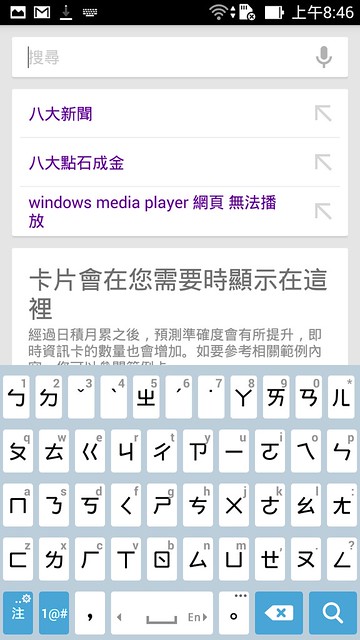
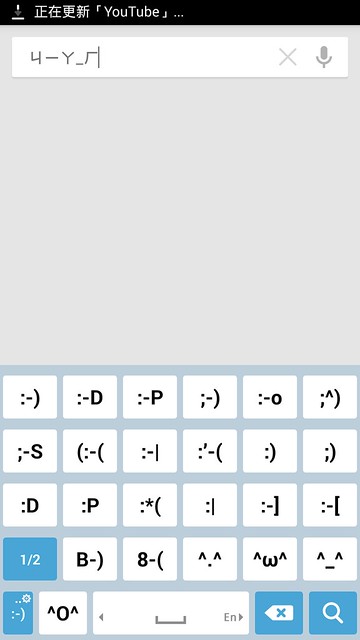
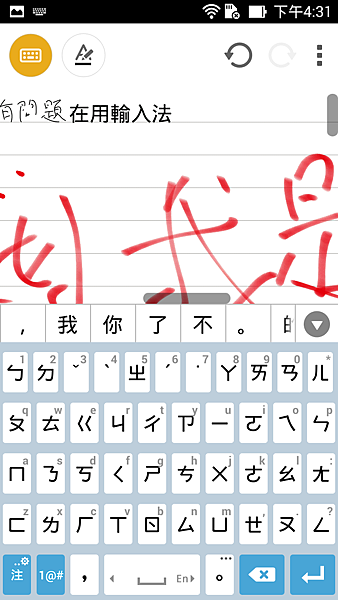
It should be stressed that since ASUS is a Taiwanese company, the Chinese input is exceptional, offering many features and strong functionality. A-hui also enjoyed the ZenFone’s built-in Zhuyin input method, which feels very close to Chaozhuyin, making it extremely easy to use.
Easy to Use Telephone
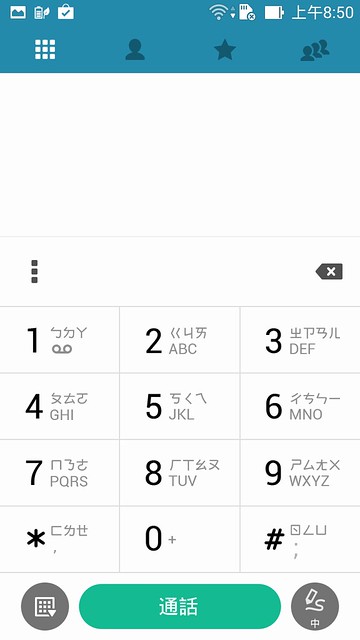
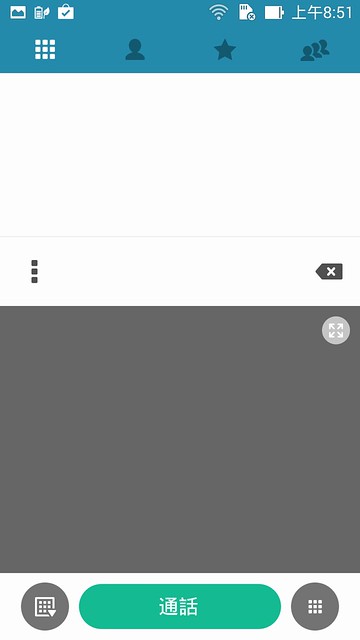
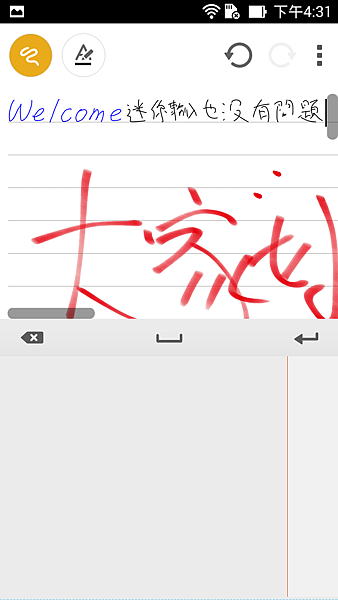
Unusually, phone dialing also supports Zhuyin, and is also a special functionality for Taiwan. In addition, another useful feature is that you can easily switch to handwriting mode.
App Lock
If you are worried about other people accessing your apps, or you want to stop family members from using certain apps (for example to stop them changing your settings or making purchases), the ZenUI includes an app lock function, allowing you to protect apps with a password.
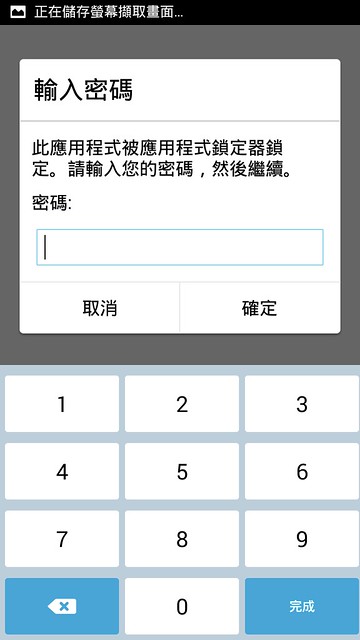
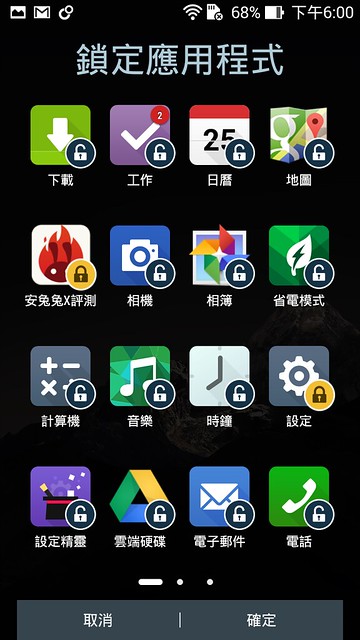
上 Locked apps will show a lock screen, which asks for a password to open the app.
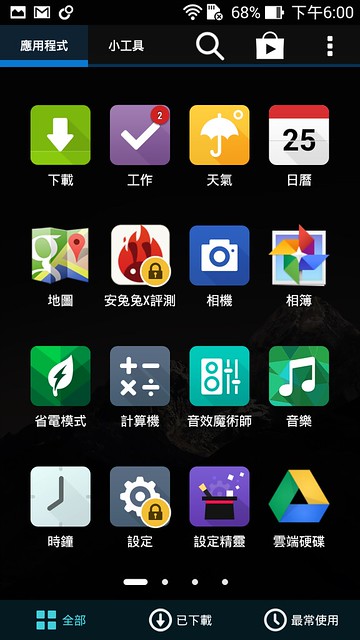
SuperNote
SuperNote is a note taking app developed by ASUS. The app is outstanding, and allows you to create notes in a variety of ways, including handwritten notes, typed notes, and importing multimedia content.
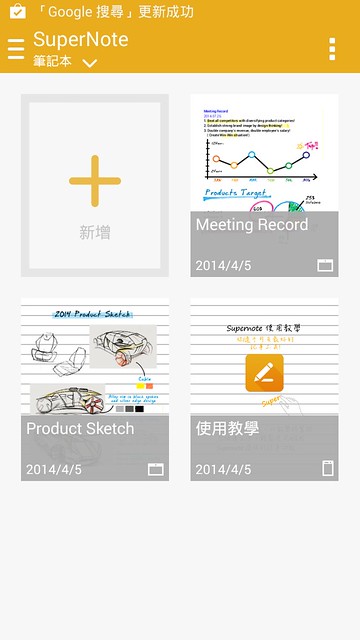
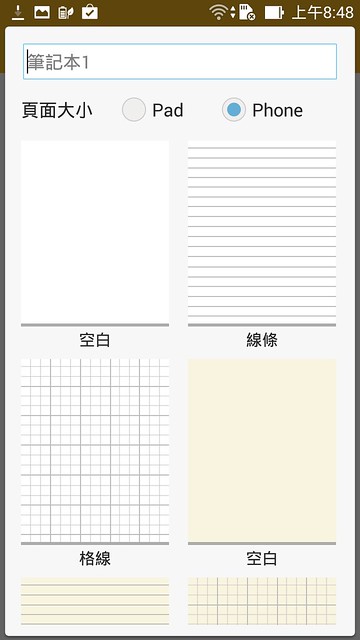
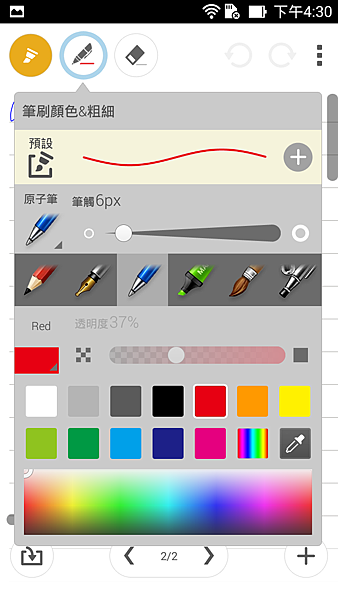
SuperNote offers many different stroke types, including pen and pencil, and also allows adjustment of color and thickness. You can great results by using your fingers or a simple stylus.
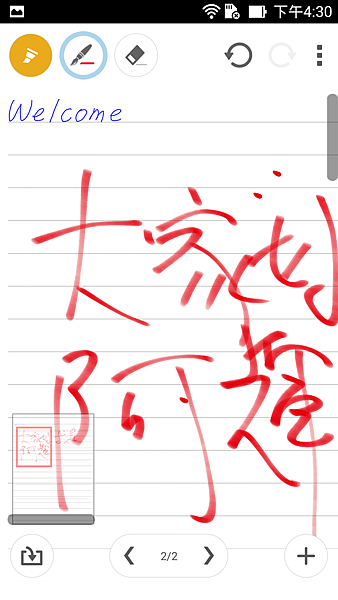
If you don’t have a stylus, it doesn’t matter. SuperNote also allows you to shrink large characters. If you look at the picture below, you can see that even A-hui’s thick fingers can easily take notes.
ASUS Personalized Settings
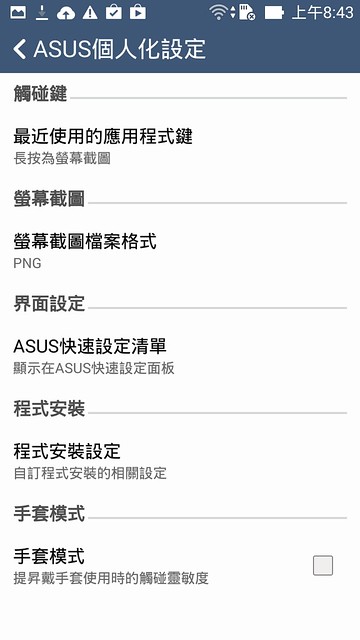
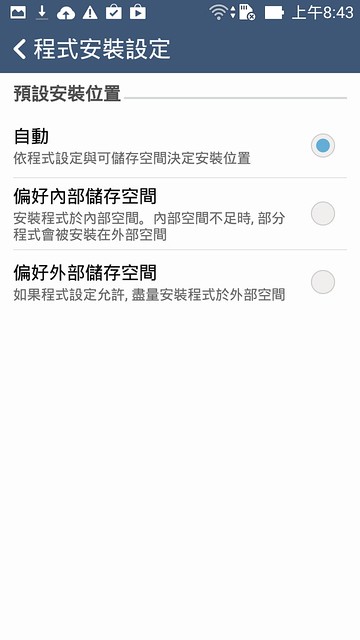
In ASUS personalized settings, you can set features such as a multi-function button (A-hui often has to prepare teaching materials, so of course he set this to screen capture), notification toggle, and glove mode. You can also choose whether you prefer apps to be installed to the internal storage or an internal memory card, a function that is not currently widely available on Android phones.
Power-saving Mode
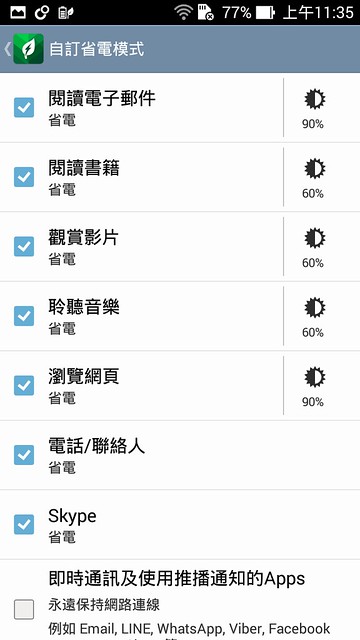
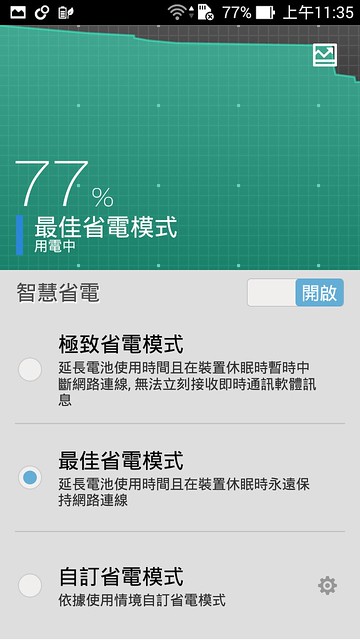
The power-saving feature includes three modes. Users can customize screen brightness for different functions or adjust app connectivity based on their own needs.
延伸閱讀
- Samsung Week 雙 11 購物節開跑!三星商城滿額送 65 吋 Mini LED 智慧顯示器,Galaxy S26 Ultra 最高回饋逾 1.9 萬元 Galaxy 旗艦手機、智慧家電祭出限時優惠,指定平板與穿戴裝置最低 7 折起,三星智慧館同步推出門市限定購機金與舊機換購優惠
- Whoscall 推出「自訂來電者名稱」功能,打造個人化來電辨識體驗 iOS 、 Android 雙平台同步上線!自訂名稱優先顯示於來電畫面、通話紀錄與查詢結果,讓常用聯絡電話一眼辨識
- Logitech 羅技雙 11 購物攻略開跑!人氣辦公、電競裝備最低 53 折起 MX Master 4 現省 800 元、 PRO X2 SUPERSTRIKE 無線滑鼠降價 1,200 元,消費滿額再抽 iPhone Duo 、麥拉倫聯名賽車方向盤等萬元好禮
- Gogoro 年度壓軸優惠開跑!三大明星車款最高送 6,000 元配件購物金、月付 168 元起 萬元電動機車補助進入倒數!Gogoro Luna 、 EZZY 500 、 EZZY 限時優惠登場,熱銷配件最低 4 折,再享玩具總動員限定好禮
- 《跑車浪漫旅 7》Spec IV 第一部分今日免費更新!六款新車、傳奇 Sugo 賽道登場,30 週年限量版 DualSense 控制器實體版本同步亮相


